
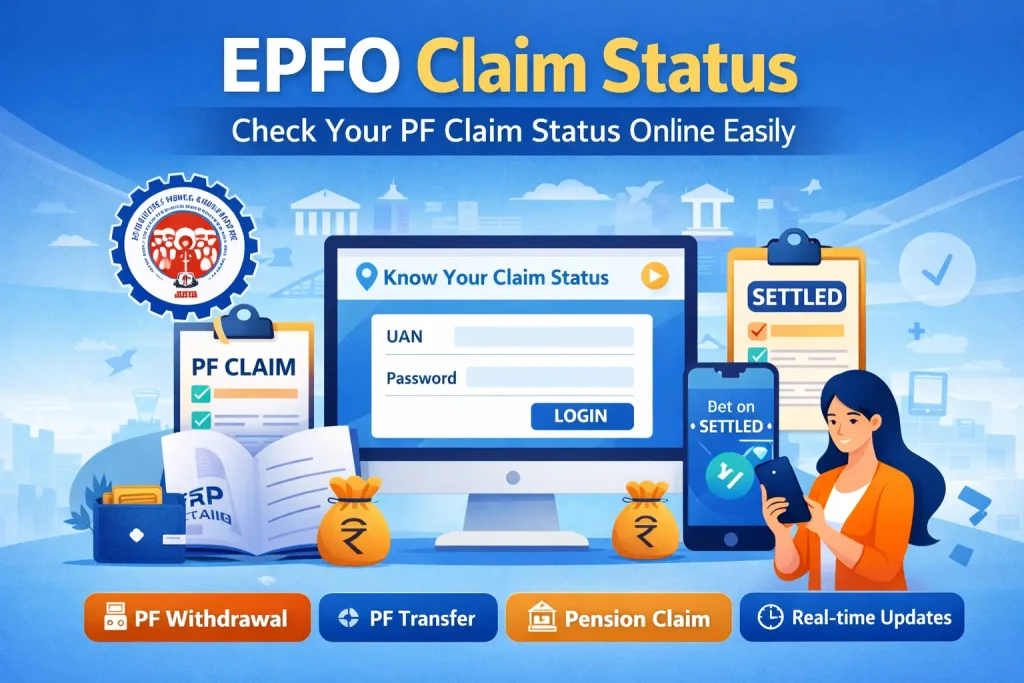
The EPFO claim status facility allows employees to track the progress of their Provident Fund (PF) claims in a simple and transparent way. Through the EPFO portal, users can check whether their claim is under process, approved, settled, or rejected. This online system eliminates the need to visit EPFO offices and provides real-time updates.
With the help of EPFO login and UAN login, employees can access their PF details anytime and from anywhere. Whether you have applied for PF withdrawal, transfer, or pension, checking your PF claim status ensures that you stay informed about your application.
EPFO Claim Status – Overview Table
| Features | Details |
| Service Name | EPFO Claim Status |
| Provided By | Employees’ Provident Fund Organisation (EPFO) |
| Purpose | To track PF claim status online |
| Access Mode | Online via EPFO Portal |
| Login Requirement | UAN login (UAN number + Password/OTP) |
| Main Users | Employees, Pensioners |
| Types of Claims | PF Withdrawal, PF Transfer, Pension Claim |
| Status Options | Under Process, Approved, Settled, Rejected |
| Details Required | UAN Number, Registered Mobile Number |
| Information Available | Claim ID, Claim Type, Submission Date, Status, Payment Details |
| Claim Processing Time | 7–20 working days (approx.) |
| Common Issues | OTP not received, wrong UAN, claim not visible |
| Support Options | EPFO Helpdesk, Grievance Portal, Regional EPFO Office |
What is EPFO Claim Status?
The EPFO claim status refers to the current stage of your PF claim request submitted through the EPFO Unified Portal. When you apply for a claim, it goes through different stages such as verification, approval, and settlement.
This feature is very useful because it helps users understand what is happening with their claim and whether any action is required from their side. Instead of waiting without updates, you can easily track your PF withdrawal status online.
How to Check EPFO Claim Status Online
Checking your EPFO claim status is a simple process. You can do it through the official EPFO portal using your UAN.
First, visit the EPFO website and navigate to the employee section. From there, select the option to check your claim status. Enter your UAN number, and either log in using UAN login or verify through OTP. Once verified, your PF claim status will be displayed on the screen.
Step-by-step process:
- Visit the EPFO portal
- Go to the “For Employees” section
- Click on “Know Your Claim Status”
- Enter your UAN number
- Log in using the EPFO login or verify via OTP
- View your EPFO claim status instantly
This process ensures quick and easy access to your claim information.
Information Available in EPFO Claim Status
When you check your PF claim status, you get detailed information about your claim. This helps you understand the progress and any issues related to your application.
You can see:
- Claim ID number
- Type of claim (withdrawal, transfer, pension)
- Date of claim submission
- Current status (pending, approved, settled, rejected)
- Payment details (if settled)
All these details are important for tracking your EPFO claim status effectively.
Types of EPFO Claims
The EPFO portal allows users to apply for and track different types of claims. Each claim type serves a different purpose.
Main types of claims include:
- PF Final Settlement – Full withdrawal after leaving a job
- PF Partial Withdrawal – Advance withdrawal for specific needs
- PF Transfer Claim – Transfer PF balance from one employer to another
- Pension Withdrawal – Withdrawal of pension benefits
You can check the PF claim status for all these claims using the same portal.
EPFO Claim Status Messages Explained
While checking your EPFO claim status, you may see different messages. Understanding these messages is important to know the exact progress.
- Under Process – Your claim is being reviewed by EPFO
- Approved – Claim has been verified and accepted
- Settled – Amount has been credited to your bank account
- Rejected – Claim has been declined due to errors or missing details
If your PF withdrawal status shows rejected, you should check the reason and apply again.
Benefits of EPFO Claim Status Tracking
Tracking your EPFO claim status online offers several benefits. It makes the process transparent and user-friendly.
Key benefits:
- No need to visit the EPFO office
- Real-time updates on claim progress
- Easy access through UAN login
- Saves time and effort
- Helps avoid delays by identifying issues early
This system makes managing your PF claim status much more convenient.
Common Problems & Solutions
Sometimes users face issues while checking their EPFO claim status or during the claim process. Understanding these problems can help you resolve them quickly.
Common issues:
- Wrong UAN or login details
- OTP not received on the registered mobile number
- Claim not (not visible)
- Website loading or server error
Solutions:
- Verify your UAN login details carefully
- Ensure your mobile number is linked with UAN
- Wait 2–3 days after claim submission
- Try accessing the EPFO portal during non-peak hours
By following these solutions, you can easily access your PF claim status.
Important Tips for Faster Claim Processing
To ensure your claim is processed quickly and your EPFO claim status shows “settled” without delay, follow these tips:
- Complete your KYC (Aadhaar, PAN, bank details)
- Ensure employer approval is done
- Use the correct bank account details
- Avoid multiple claim submissions
- Check your EPFO claim status regularly
These steps help in the faster processing of your PF withdrawal status.
FAQs
How can I check my EPFO claim status?
You can check your EPFO claim status through the EPFO portal using your UAN number and OTP or UAN login.
How long does a PF claim settlement take?
The PF claim status usually gets updated within 7–20 working days after approval.
What does “settled” mean in EPFO claim status?
“Settled” means your PF amount has been processed and credited to your bank account.
Can I check the PF claim status without EPFO login?
Yes, you can use the “Know Your Claim Status” option with your UAN without a full EPFO login.
What should I do if my EPFO claim is rejected?
Check the reason for rejection, correct the details, and reapply through the EPFO portal.